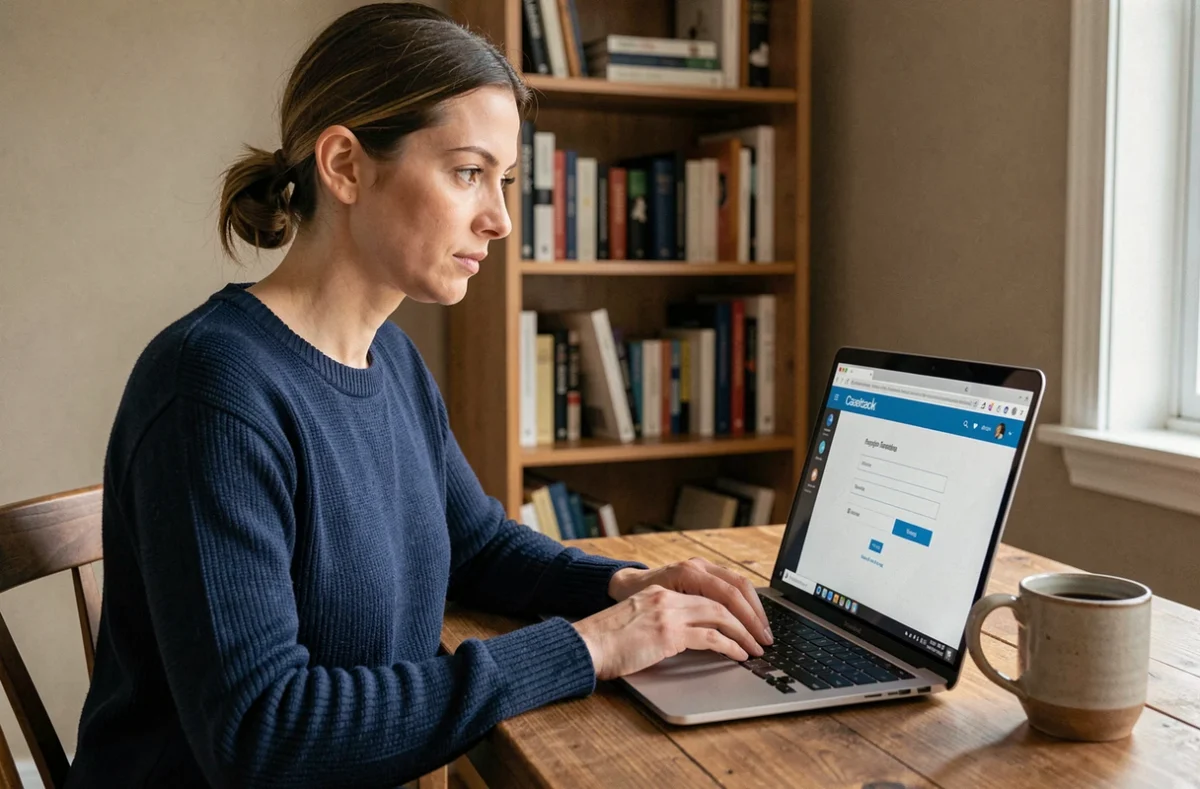
Your @numericable.fr email address still exists, but the login page won’t let you in. This has affected many former Numericable subscribers since the email service migrated to SFR’s infrastructure. Your customer account login and webmail login aren’t always the same, which makes account recovery more complicated. Here’s how to regain access to your mailbox, even if you no longer have the phone number or recovery email address linked to the account.
Numericable customer account and webmail: two separate logins
The most common mistake is using your Mon Compte Numericable login details to access webmail, or vice versa. These two services have separate logins. The customer account was used to manage your subscription and bills. Webmail gives you access to your messages.
Since the migration, Numericable webmail redirects to SFR Mail. Your username is still your full email address ([email protected]), but your password may have changed during the transfer to SFR. If you never changed your password after the migration, your original one may still work.
Before trying to reset your password, you can restore Numericable webmail online by first trying to log in directly at webmail.sfr.fr with your full email address and old password.
Resetting your SFR webmail password when everything works normally
If you still have access to the mobile number or recovery email address associated with your account, the process is straightforward. Go to the SFR Mail login page and click the forgotten password link.
The system will then ask for your username (your @numericable.fr address). A verification code is sent to the recovery method on file: either by text message or to a secondary email address. You can then create a new password.
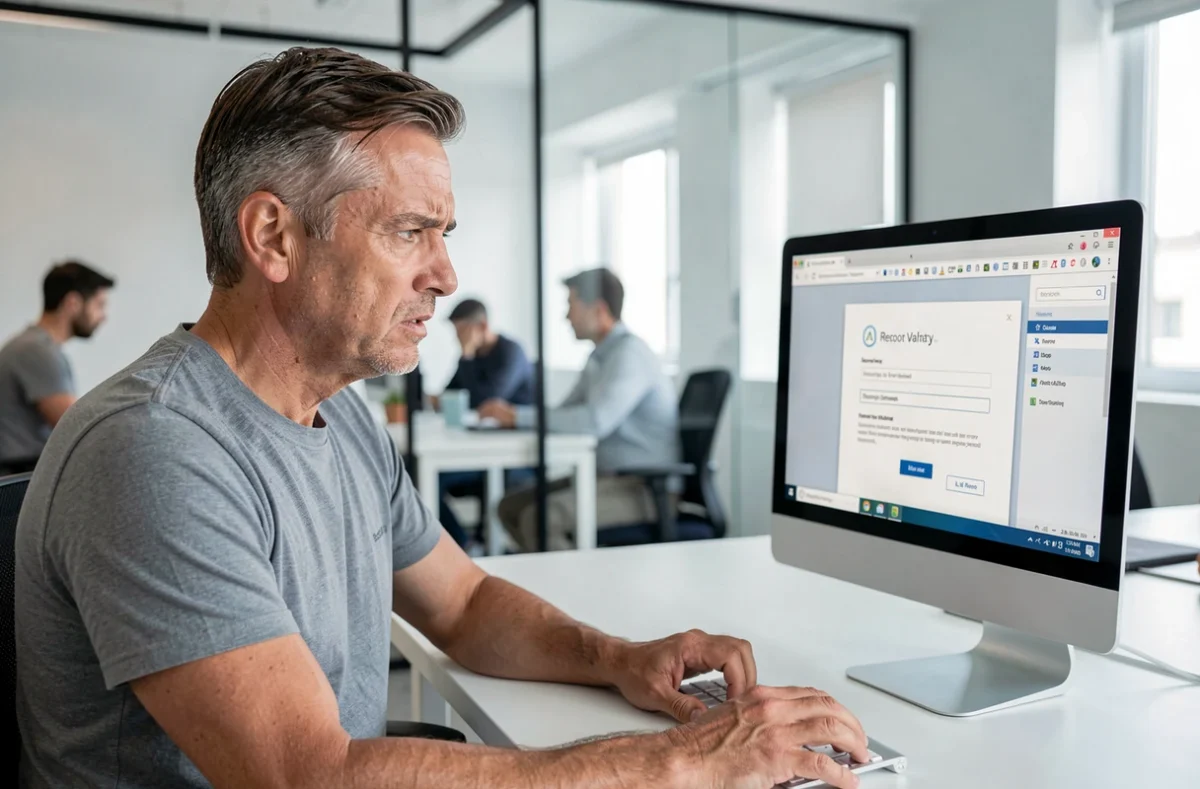
To make sure this step goes smoothly, check the following before starting the process:
- Enter your full email address, including the @numericable.fr domain, not just your username
- If a captcha appears and is unreadable, use the refresh button to get a new one
- You may be asked for your Numericable customer number (shown on an old bill or contract) to confirm your identity
Regain access without a phone number or recovery email address
You know your @numericable.fr address, but the mobile number linked to the account is no longer active. Your recovery email address may have been deleted, or you may no longer have access to it. In this case, you can’t complete the self-service password reset.
This situation leaves many former subscribers unable to access their accounts. The automated process relies entirely on the contact method registered when the account was created. Without it, the online form gets stuck in a loop.
Contact SFR customer service with proof of identity
The only reliable solution is to speak to someone. Call SFR customer service or visit a store with a document proving that you are the account holder. An old Numericable bill showing your customer number is the most useful document.
An advisor can update the recovery method linked to your account, allowing you to reset your password through the usual process. Have an ID document ready too, as SFR may ask for it to approve the change.
Find your Numericable customer number
If you no longer have your paper bills, try these options:
- Search your main email inbox for an old message from Numericable containing your customer number
- Check your bank statements for Numericable direct debits, which sometimes include a customer reference
- If you had a Numericable landline, calling 511 (free from that line) would automatically provide your customer number, but this service is no longer guaranteed since the migration
Email migrated to SFR: are your old messages still available?
Being unable to log in doesn’t mean your messages have disappeared. During the migration, which began on July 22, 2019, SFR transferred emails, contacts, calendars, and folders from Numericable accounts to SFR Mail.
Forwarding and redirection rules were also preserved. However, custom incoming mail rules and folders created manually had to be set up again after the migration. If you didn’t do this at the time, these items may be missing.
Once you’ve regained access at webmail.sfr.fr, check your folders to make sure your message history is complete. If some messages appear to be missing, this may be a separate issue from simply forgetting your password, which SFR customer service can investigate.
Set up an email client to secure long-term access
Rather than relying solely on webmail, setting up an email program on your computer or phone lets you keep a local copy of your emails. Use the IMAP protocol with the server imap.numericable.fr on port 993 with SSL.
For sending email, the legacy SMTP server works with the same login details. Setting this up in Outlook, Thunderbird, or the Mail app on an iPhone provides a safety net: even if you have trouble accessing webmail again, your messages will remain synced locally.
Update your phone number and recovery email address as soon as you regain access. This takes thirty seconds in your SFR account’s security settings and will help you avoid the same problem the next time you change your password.